- Home
- The Drawing
The drawing
Lighting diagrams on every quote
Pick the vehicle, drop the lights on all four views, and the picture goes out with the estimate and comes back on the work order.
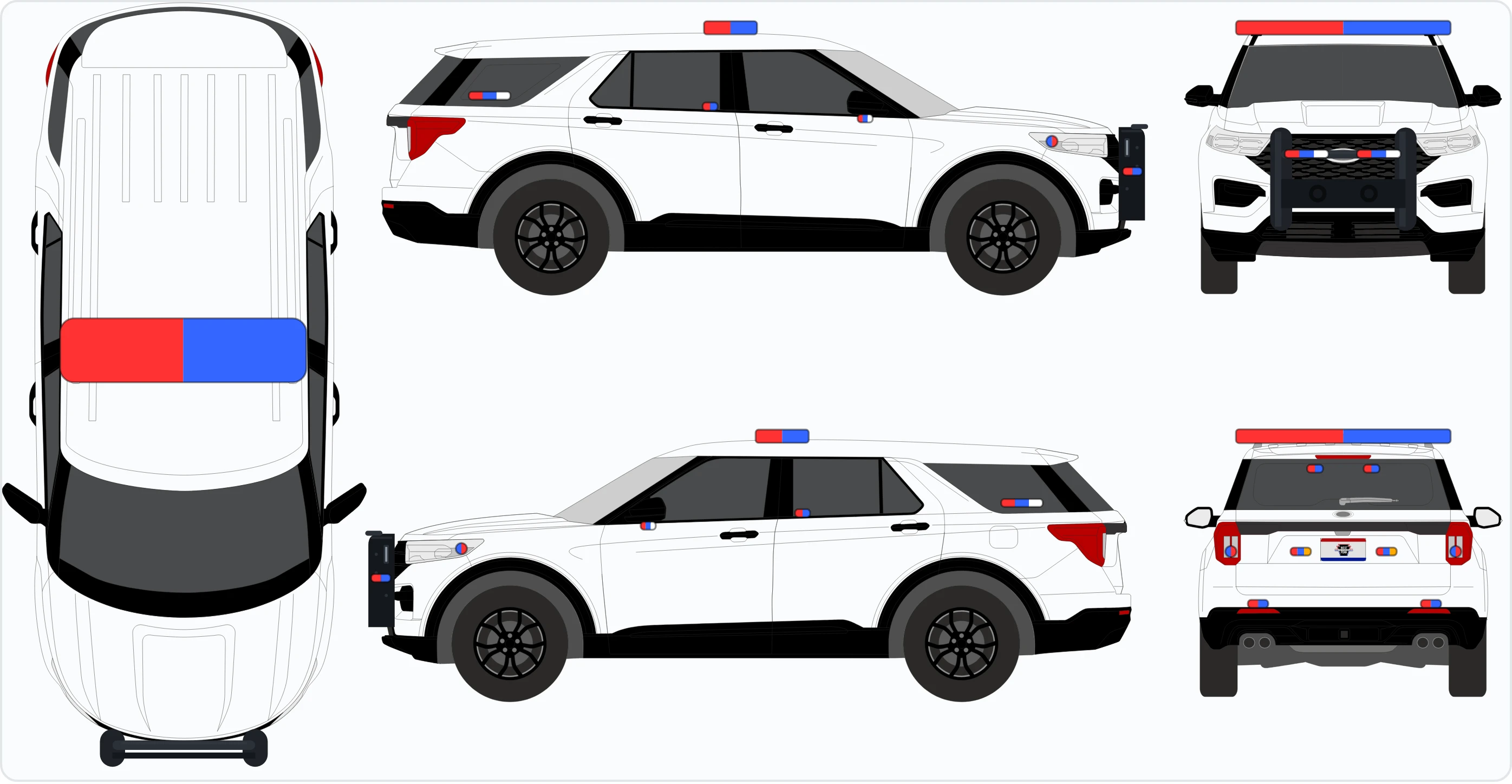
The drawing
Show them where every light goes
Nobody buys a lighting package off a list of part numbers. They buy it off a picture of the car it’s going on.
Pick the vehicle (Interceptor, Tahoe, Durango, whatever’s on the floor) and drop each light on the top, side, front and rear. Put a roof bar on once and it’s drawn in every view you’d really see it from, at its real size on that car. A 44-inch bar on a Tahoe looks like a 44-inch bar on a Tahoe.
A drawing is just a drawing. It doesn’t make a line item and it doesn’t touch a part number, so you can lay a build out before you’ve decided what to charge for it.
Every screen on this page is the demo, photographed. Open it and you’re looking at the same thing.
On the estimate
The customer sees the picture and a plain list of what’s on it. No part numbers, no price per light unless you want them.
On the work order
Same picture, numbered L1, L2, L3, in the tech’s hand at the car.
Saved as a preset
A layout you fit all the time becomes a preset. The next one starts already drawn.
See it before you talk to anybody
The demo opens with no password
The real software with a made-up shop in it: quotes, jobs, parts, a drawn cruiser and a tech’s phone. Click anything. It resets itself.